 Pujaabhishekam Blog
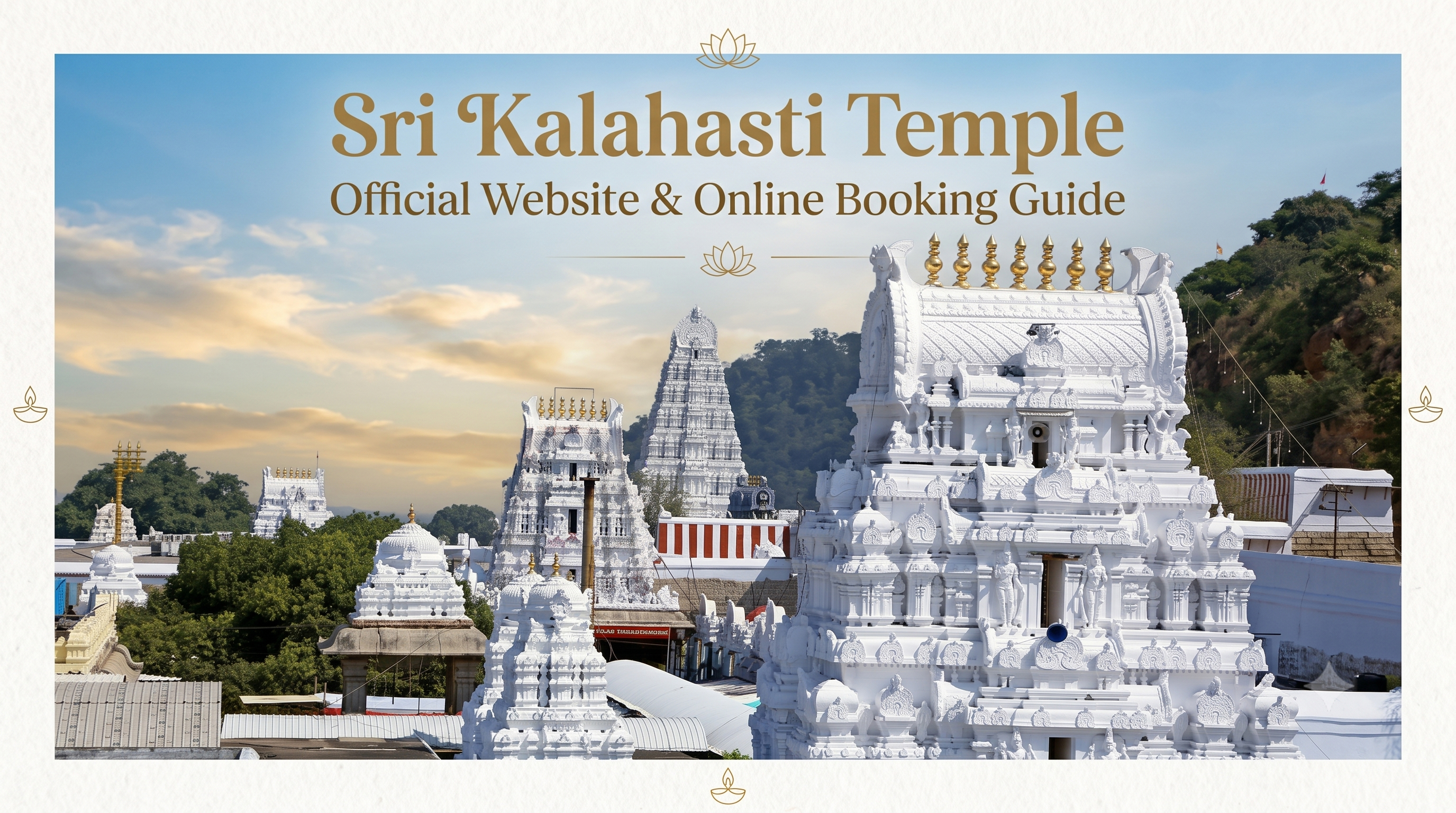
Sri Kalahasti Temple Official Website & Online Booking Guide
Booking a seva or darshan slot at Sri Kalahasti Temple online is simple once you know exactly where to click, but the process is scattered across two different websites, which trips up a lot of first time visitors. This guide walks through the entire booking journey, from the official temple website to the payment page, along with the full list of sevas you can actually book online and their current fees.
Where to Book: The Two Official Websites You Need
Before anything else, it helps to understand how the booking system is structured, because this single point of confusion causes most booking mistakes.
- srikalahasthitemple.org is the official informational website of Sri Kalahasteeswara Swamy Vari Devasthanam. It lists every darshan and seva along with its price, and each listing has a Book Now button.
- aptemples.org (also reachable at aptemples.ap.gov.in) is the actual transaction portal run by the Andhra Pradesh Endowments Department. Every Book Now button on the temple website redirects you here, and this is where you create a devotee login, pick your slot and pay.
You do not need to search for a separate booking app or a third party agent. If a website other than these two claims to offer "guaranteed" Sri Kalahasti Temple slots, treat it with caution, since the temple's own FAQ page confirms that online tickets are sold only through the official channel.
Step by Step: How to Book Online
Step 1: Go to the Official Temple Website
Open srikalahasthitemple.org on your browser or phone. Bookmark it if you plan to book more than one service, since you will return to this page for Darshanam, Pratyaksha Seva and Paroksha Seva separately.
Step 2: Pick the Category You Want to Book
The homepage and top menu are divided into three clear sections:
- Darshanam: general and special entry tickets to view the deity
- Pratyaksha Seva: rituals and poojas you attend and perform in person at the temple
- Paroksha Seva: rituals performed by temple priests on your behalf, useful if you cannot travel
Click the category that matches what you are looking for.
Step 3: Select Your Specific Seva or Darshan Type
Each category page lists individual sevas with their price shown right below the name. Scroll through and pick the exact one you need. This step matters because several sevas look similar in name (for instance, there are multiple Rahu Kethu Pooja listings at different price points, explained below), so read the ticket amount carefully before clicking through.
Step 4: Click "Book Now" and Sign In
Clicking Book Now takes you to aptemples.org. If this is your first time booking, you will need to register as a devotee using your mobile number and basic details. Returning users can simply sign in.
Step 5: Choose Date, Time Slot and Number of Devotees
Once logged in, select your preferred date and, where applicable, a time slot. Enter the number of people included in the booking, since some sevas allow more than one devotee under a single ticket.
Step 6: Enter Devotee Details
You will be asked to fill in the name, age and ID proof details of each devotee attending. Keep a government ID (Aadhaar, PAN, voter ID, driving licence or passport) ready, since the temple requires ID verification at entry and children above 10 years old must have their own ticket.
Step 7: Make the Payment
Payment options typically include UPI, debit card, credit card and net banking. Double check the date and seva type one more time before confirming payment, because once a ticket is booked, it generally cannot be cancelled or shifted to a different date.
Step 8: Download Your E-Ticket
After payment, an e-ticket is generated instantly. Download it or save a screenshot, and carry a printed copy along with your ID proof when you arrive at the temple counters for verification.
Accommodation
The temple also runs an online accommodation booking system through the same aptemples.org portal, offering AC and Non AC rooms and suites close to the temple. Look for the Accommodation link under Online Booking on the temple website footer to check availability for your travel dates.
Important Booking Rules You Should Know Before You Pay
The temple's own FAQ page spells out a few rules that are easy to overlook in the rush of booking, and knowing them in advance can save you a frustrating experience.
- Dress code applies to every seva, not just darshan. Every devotee performing a seva is required to wear traditional Hindu attire; modern clothing and sleeveless outfits are not permitted.
- Children above 10 years need their own ticket. Kids below that age are not required to purchase a separate ticket.
- ID proof is mandatory. Any valid government ID must be carried for entry, and this is checked against the name on your e-ticket.
- No cancellations. Once a ticket is booked and paid for online, it cannot be cancelled.
- No date changes. Your booked date is final, so double check the calendar before confirming payment, especially around festival dates when you might be tempted to book early and adjust later.
- Tickets are non transferable in most cases, so book under the name of the person who will actually attend.
- A physical ticket does not automatically include prasadam. Check the specific seva description, since not every paid ticket comes bundled with prasadam.
Practical Tips for a Smooth Online Booking Experience
- Book a few days ahead during Sravana Masam and other high demand periods. Mondays in the Sravana month are especially popular for Shiva worship, and Rahu Kethu Pooja slots can fill up quickly during these weeks.
- Keep your ID details handy before you start. Since the booking form asks for ID information for each devotee, having Aadhaar or PAN details ready in advance speeds up the process considerably.
- Screenshot your payment confirmation separately from the e-ticket. In case the download link glitches, having a payment screenshot makes it much easier to resolve any issue at the counter or with the helpdesk.
- Use the official Endowments Information Center for doubts, not random forums. The temple lists a dedicated contact number for booking related queries, and it is far more reliable than travel blogs when it comes to last minute rule changes.
- Recheck seva names carefully before paying, since similar sounding sevas (like the multiple Rahu Kethu Pooja tiers) sit close together on the page and it is easy to select the wrong price tier by mistake.
- Save your login details for aptemples.org. If you plan to book Paroksha Seva regularly from outside Srikalahasti, keeping your devotee account details saved avoids having to re-register every time.
Frequently Asked Questions
Where do I book Sri Kalahasti Temple tickets online?
Start at the official website, srikalahasthitemple.org, and use the Book Now buttons, which lead to the official payment portal, aptemples.org.
Can Rahu Ketu Pooja be booked online?
Yes. The temple's Pratyaksha Seva page lists Rahu Kethu Pooja at multiple price points (₹500, ₹750, ₹1,500, ₹2,500 and ₹5,000), all bookable online through aptemples.org, and there is also a Paroksha Seva version at ₹500 for those who cannot attend in person.
Can I cancel or change my online ticket after booking?
No. According to the temple's official FAQ, tickets cannot be cancelled once booked, and the date on your ticket cannot be changed afterward.
Is there a dress code for online booked sevas?
Yes, traditional Hindu attire is required for every devotee performing a seva. Modern clothes and sleeveless outfits are not allowed.
Do children need a ticket?
Only children above 10 years of age need to purchase their own ticket.
What if I cannot travel to the temple in person?
Book a Paroksha Seva instead. Temple priests perform the ritual on your behalf, and the process is entirely online through aptemples.org.